

https://<your-org>.app.credibledata.com) is one way your team can consume published semantic models. In the Credible App, work happens inside a workspace — your personal workspace, or a shared workspace scoped to a set of packages and team members (see Creating a Workspace below).
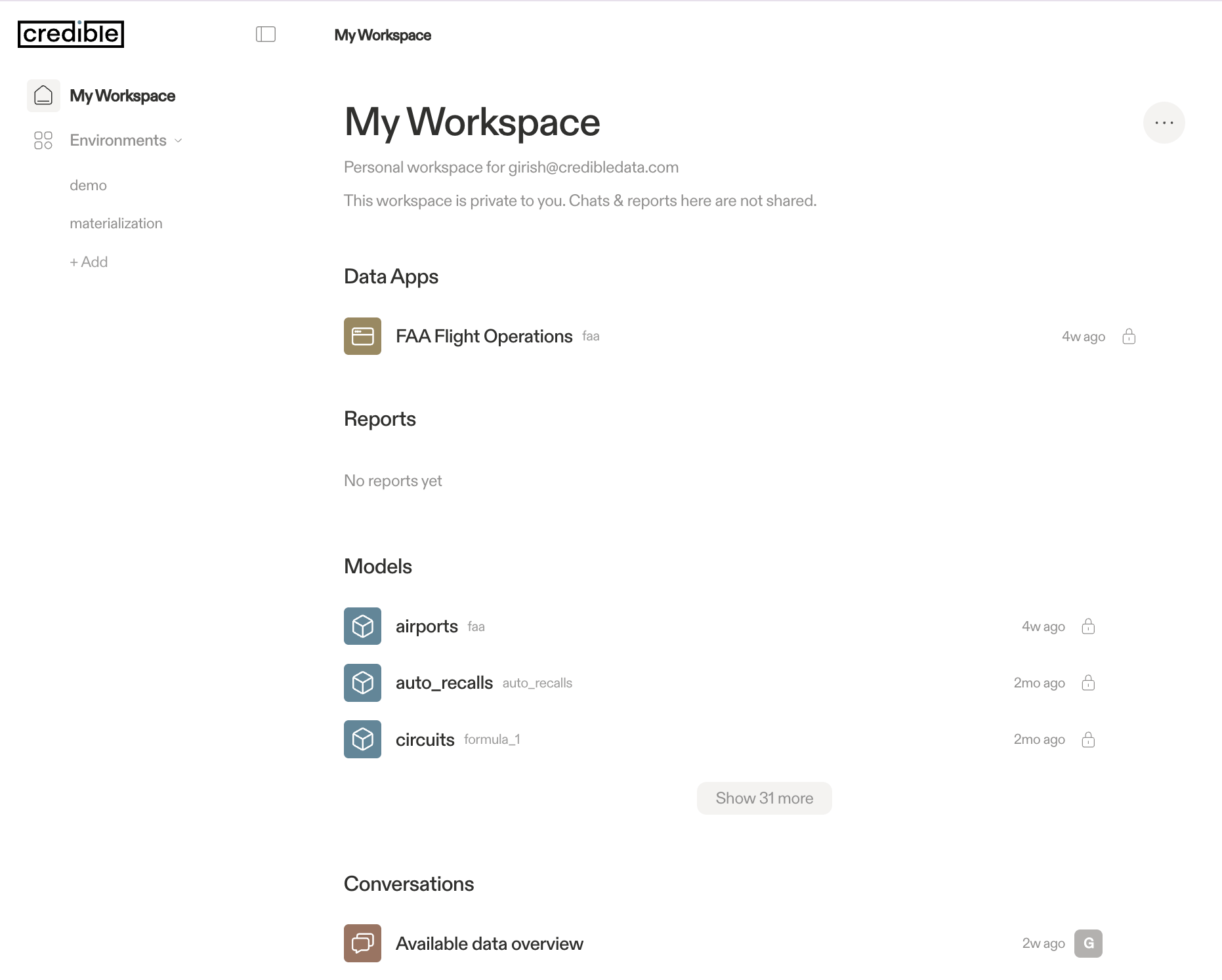
Chat
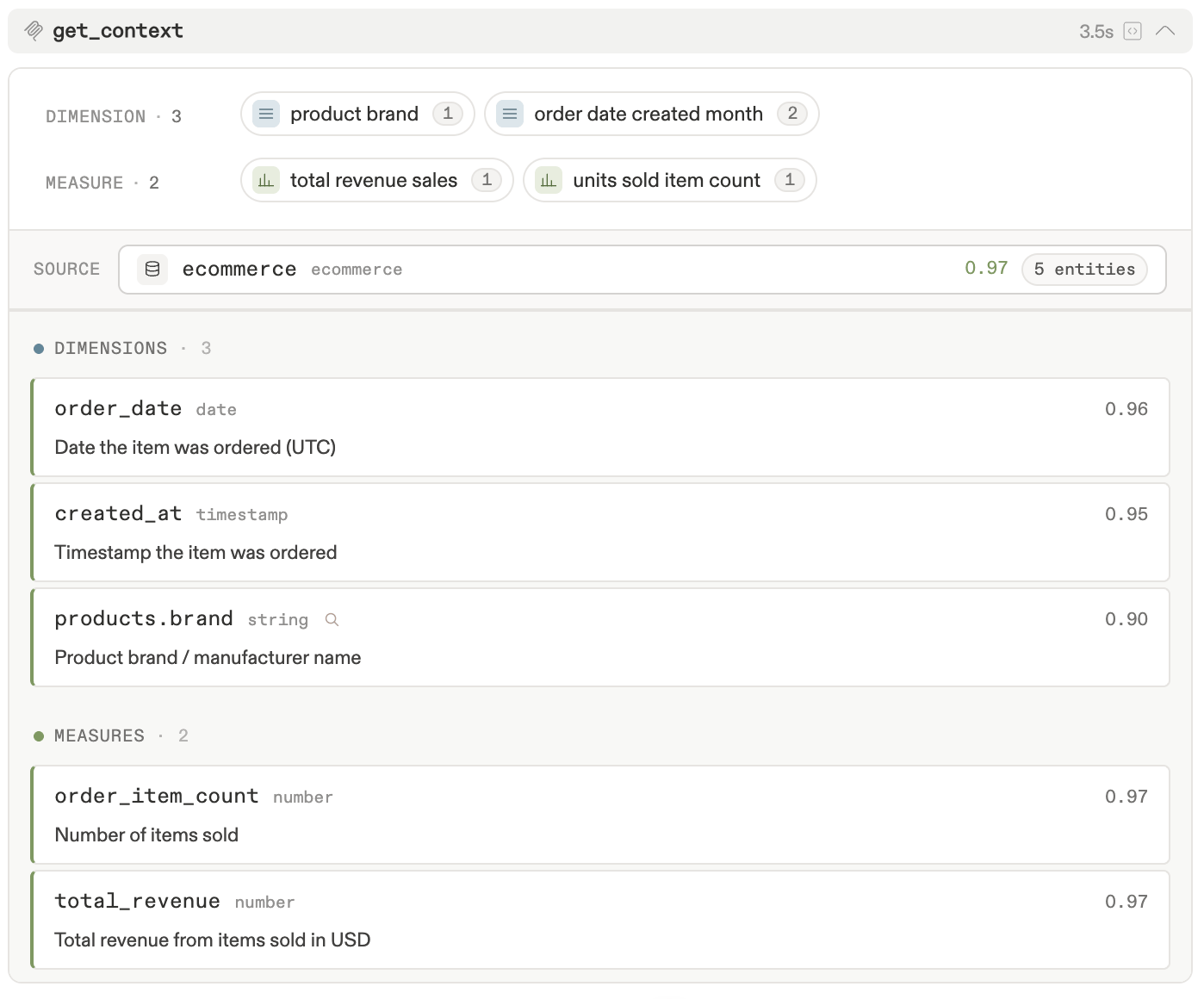
Type a question in the chat bar at the top of any workspace. The agent parses your question and uses the Credible Analytics Engine to search your published semantic models — matching phrases to governed entities (dimensions, measures, views) and indexed dimension values via their#(doc) and #(index) annotations — then constructs and executes a trustworthy Malloy query against your data.
How It Works
get_context— The agent parses your question into semantic phrases and callsget_contextto search your published semantic models and indexed dimension values, getting back matched data entities. Match quality depends on the#(doc)descriptions and#(index)annotations in your model.execute_query— The agent constructs and runs a Malloy query using the matched entities, returning results and visualizations.
Published models must be indexed before chat works. Check that the package version shows Ready on its package page.
Creating a Workspace
Click + New Workspace in the left sidebar of the Credible App. The creation wizard has three steps:- General — Name your workspace and add an optional description. Choose a name that reflects the team or use case (e.g., “Ecommerce Analysis”, “Marketing Metrics”)
- Members — Add users or groups, each with a role: Manager (full control over workspace settings, members, and packages) or Member (can view models, create chats, and create reports)
- Packages — Add the published semantic model packages you want available in this workspace. Only packages shared with members (via environment permissions) can be added
See Also
- Build Data Apps — Build and use interactive dashboards and applications shipped with your packages
- Build & Publish — Build and publish a model with the agent, then chat with it
- Analytics Engine Overview — How phrase-matching and entity retrieval work
- Connect your Agent — Chat with the same models from Claude, ChatGPT, Gemini, or any MCP client
- MCP Tools — Technical details on
get_contextandexecute_queryfor custom agents - Permissions — Sharing workspaces and documents, and the full permission model